1. Double-click the Evolis Print Center on your desktop
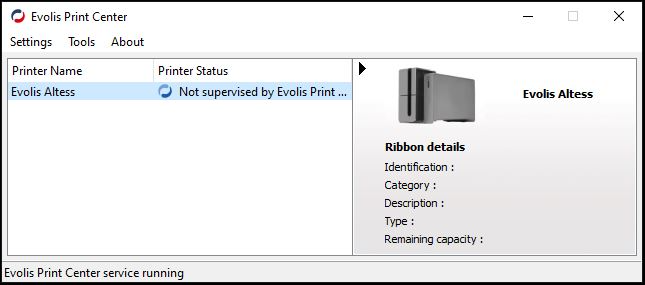
2. Right-click Evolis Altess under Printer Name
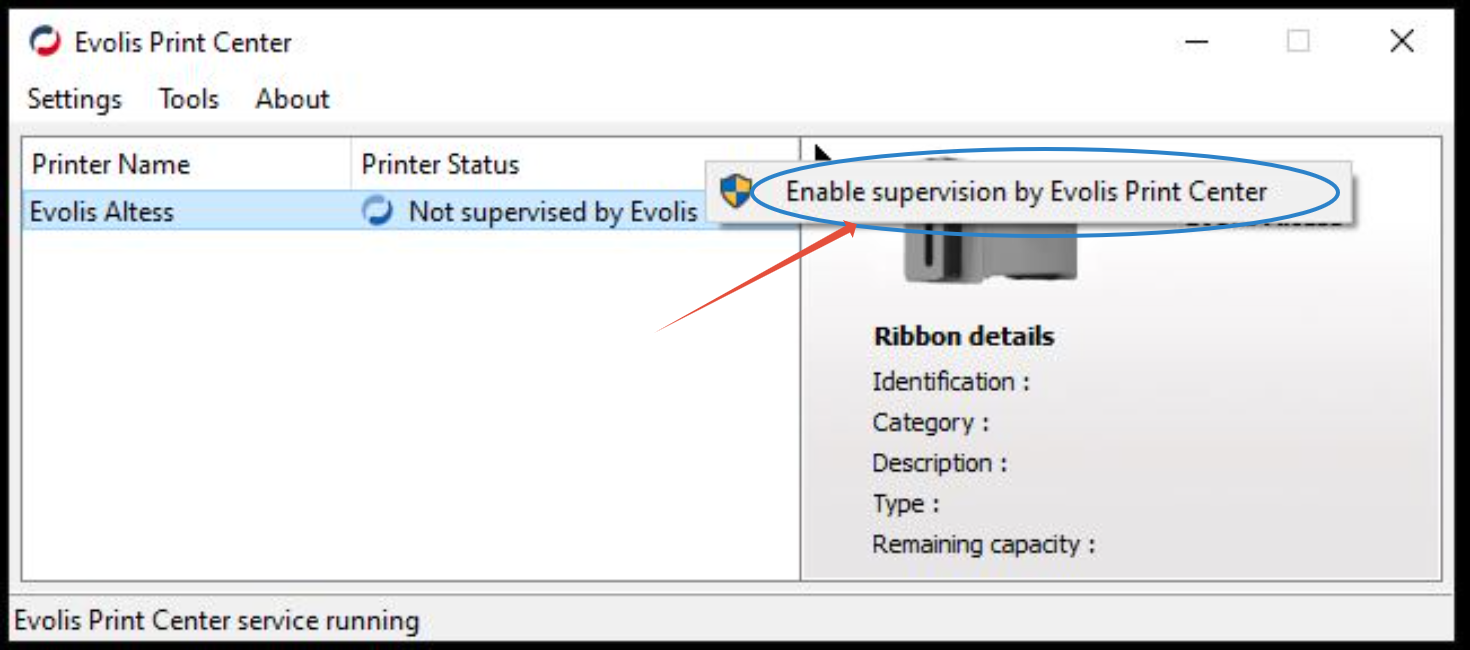
3. Right-Click Evolis Primacy > Click Enable supervision by Evolis Print Center
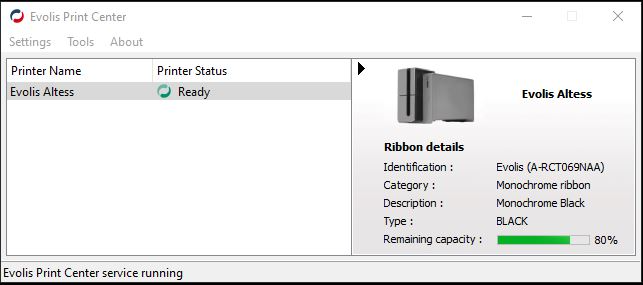
4. Load cards and ribbon into the printer
5. Wait for the printer status to say Ready
Was this article helpful?
That’s Great!
Thank you for your feedback
Sorry! We couldn't be helpful
Thank you for your feedback
Feedback sent
We appreciate your effort and will try to fix the article